Kostenlos für AndroidFree for Android

Dein Bildschirm.
Direkt im Stream.
Your screen.
Live in your stream.

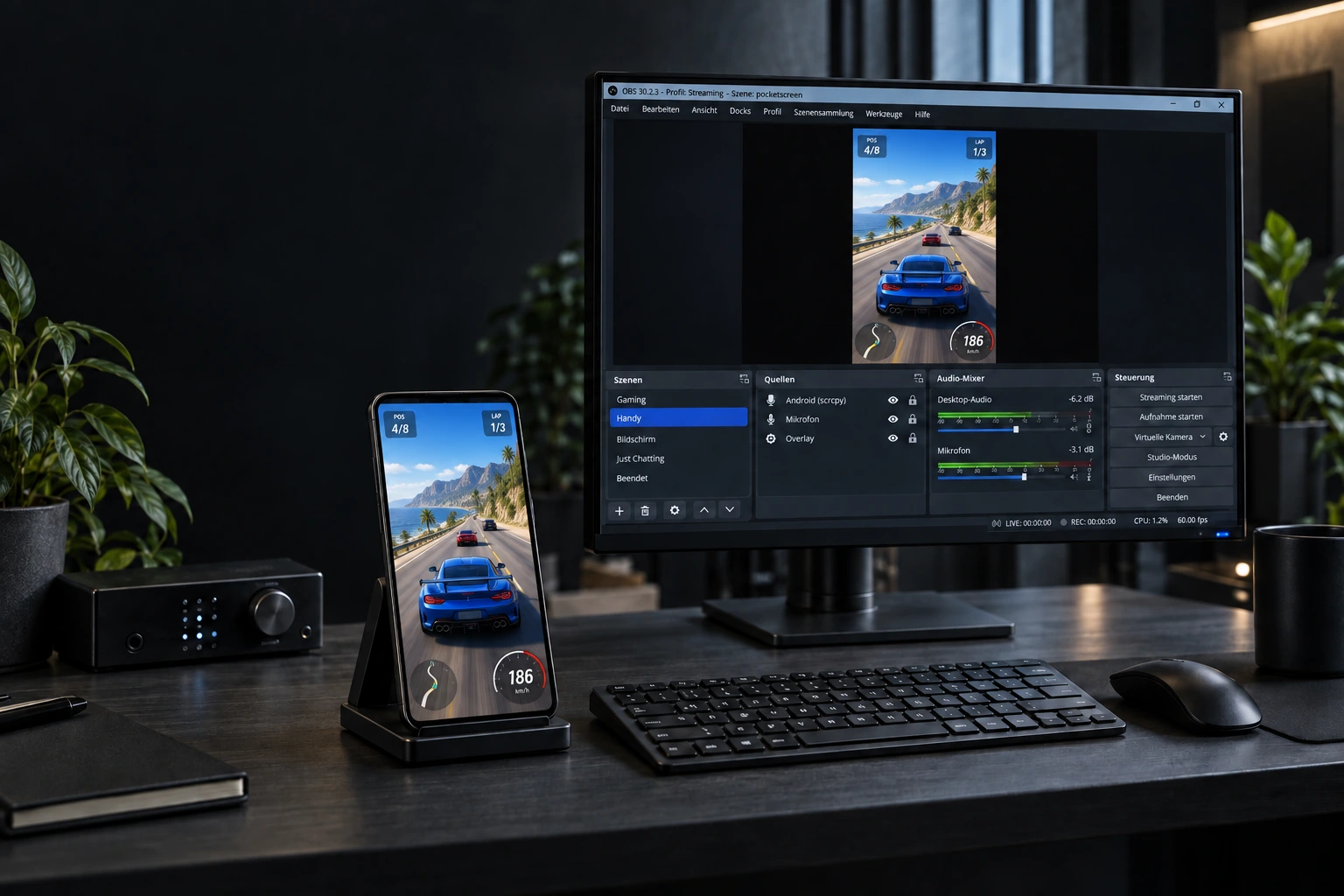
pocketScreen streamt deinen Smartphone-Bildschirm mit App-Ton, Mikrofon und optionaler Facecam direkt zu Twitch, YouTube oder deinem eigenen Server.

pocketScreen streams your phone screen with app audio, microphone and an optional facecam directly to Twitch, YouTube or your own server.

Für Android holenGet it for Android Features ansehenExplore features
30 FPS 720p / 1080p Keine WerbungNo ads
pocketScreen App-Icon
FeaturesFeatures

Alles für deinen Screenstream. Everything for your screen stream.

Ohne Capture Card und ohne PC: Bildschirm auswählen, Ziel eintragen und live gehen.

No capture card and no PC: select your screen, enter your destination and go live.

SCR

Saubere Bildschirmfreigabe

Clean screen capture

Streame Apps, Spiele und deinen gesamten Android-Bildschirm in 720p oder 1080p bei 30 FPS.

Stream apps, games and your entire Android screen in 720p or 1080p at 30 FPS.

CAM

Facecam

Blende die Frontkamera als Overlay ein. Die Ausrichtung erfolgt automatisch und lässt sich live korrigieren.

Add your front camera as an overlay. Orientation is automatic and can be corrected while live.

AUD

App-Ton & Mikrofon

App audio & microphone

Nutze App-Ton, Mikrofon, beides gemischt oder streame komplett ohne Audio.

Use app audio, microphone, mix both together or stream without audio.

LIVE

RTMP, RTMPS & SRT

RTMP, RTMPS & SRT

Sende an Twitch, YouTube oder ein frei gewähltes Streaming-Ziel. Eine Session, ein klares Ziel.

Publish to Twitch, YouTube or any streaming destination. One session, one clear target.

MP4

Lokale Aufnahme

Local recording

Speichere auf Wunsch parallel eine MP4-Kopie direkt auf deinem Gerät.

Optionally save an MP4 copy directly on your device while streaming.

DIAG

Live-Diagnose

Live diagnostics

Behalte FPS, Warteschlange, verworfene Frames und Gerätethermik direkt in der App im Blick.

Monitor FPS, queue pressure, dropped frames and device temperature right in the app.

RTMPRTMPSSRTH.264AAC
EinstiegGet started

In drei Schritten live.Go live in three steps.

Kein Konto und kein zusätzlicher Dienst nötig. Du verbindest pocketScreen direkt mit deinem Streaming-Ziel.

No account and no extra service required. pocketScreen connects directly to your streaming destination.

Streaming-Ziel eintragen

Enter your destination

Wähle RTMP, RTMPS oder SRT und trage die Server-URL samt Stream-Key ein.

Choose RTMP, RTMPS or SRT and enter the server URL including your stream key.

Bild & Ton wählen

Choose video & audio

Stelle Auflösung und Bitrate ein. Aktiviere bei Bedarf Facecam, Mikrofon und lokale MP4-Kopie.

Set resolution and bitrate. Add facecam, microphone and a local MP4 copy if needed.

Bildschirm freigeben

Share your screen

Bestätige die Android-Bildschirmfreigabe und starte deinen Stream mit einem Tipp.

Confirm Android's screen-sharing prompt and start your stream with one tap.

Android Android fragt bei jeder neuen Streaming-Session nach der Bildschirmfreigabe. Das ist eine Sicherheitsfunktion des Betriebssystems. Android asks for screen-sharing permission for every new streaming session. This is an operating-system security feature.
Kostenlos startenStart for free

Dein Stream. Direkt aus der Tasche.Your stream. Right from your pocket.

pocketScreen ist kostenlos, werbefrei und für Android verfügbar.

pocketScreen is free, ad-free and available for Android.

Demnächst im Play StoreComing soon to Google Play